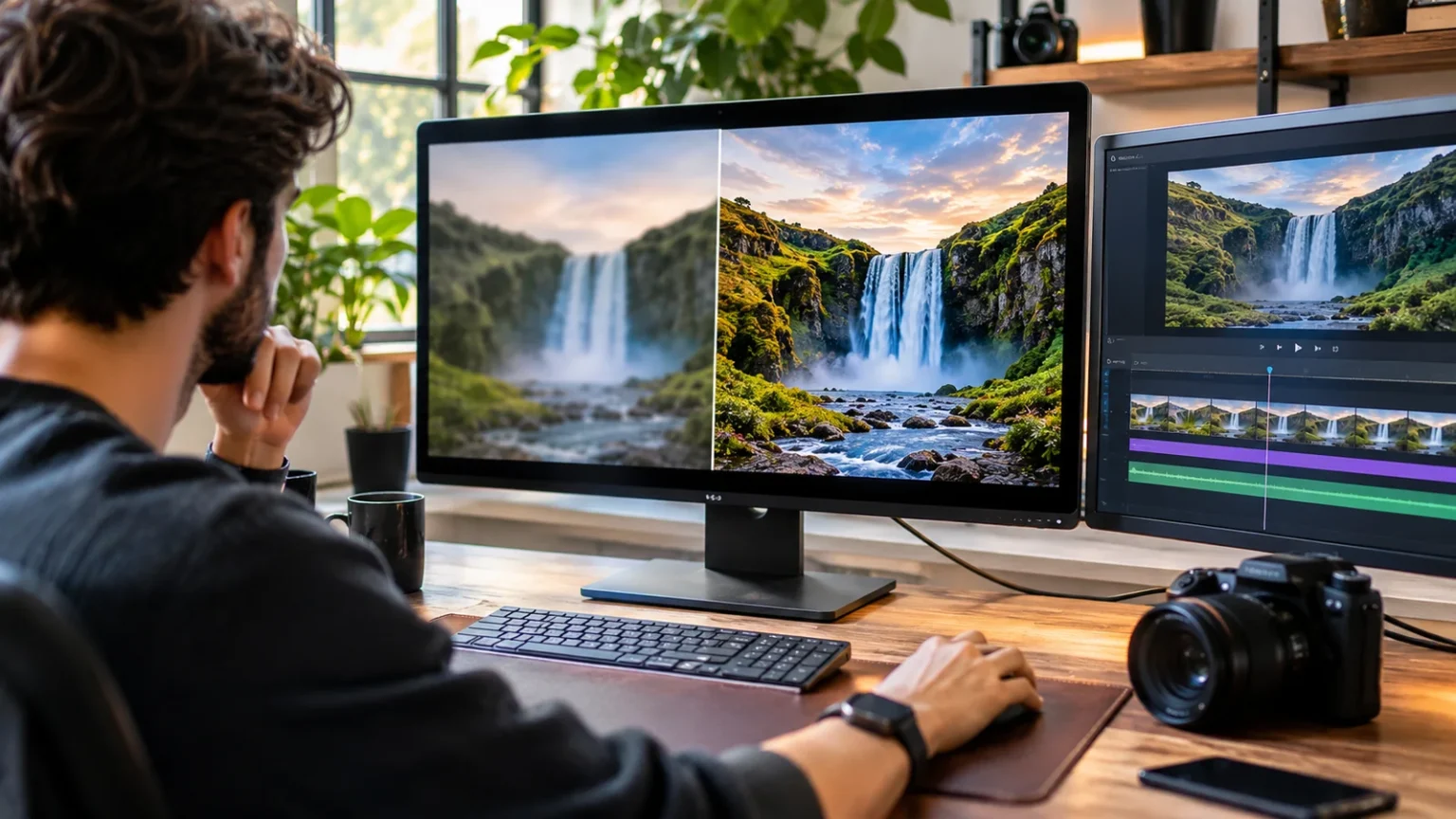
Visual content is essential to modern communication, yet captured photos often fall short due to blur, low resolution, or a lack of dynamic movement. Historically, fixing images or creating videos required specialized software and technical expertise. Today, AI-powered tools are making high-end editing and animation accessible to everyone.
1. From Manual Adjustments to Intelligent Editing
Traditional photo editing relied on manual tweaks to brightness, contrast, and sharpness, or basic one-size-fits-all filters. AI changes this by analyzing an image’s actual content—detecting blurry faces, missing details, or grain—and intelligently restoring them automatically.
2. AI Photo Enhancement
AI photo enhancers use machine learning to rescue imperfect shots caused by poor lighting, camera shake, or low resolution. Key features include:
- Sharpening & Upscaling: Clarifying soft details and increasing image resolution.
- Noise Reduction & Reconstruction: Removing grain and rebuilding lost textures.
- Portrait Refinement: Enhancing facial features naturally.
Browser-based tools like YouCam Online Editor’s AI Photo Enhance allow users to restore old photos, upgrade social media visuals, and create professional-grade marketing assets without complex desktop software.
3. Turning Static Photos into Videos
Beyond still images, AI Image-to-Video generators analyze a single photograph and add realistic motion—such as panning cameras, flowing water, drifting clouds, or subtle subject movements. Using platforms like YouCam Online Editor, creators can upload a photo, choose a template or enter a text prompt, and generate dynamic clips in seconds.
4. Combining Enhancement and Video in One Workflow
You can maximize a single photo by pairing both tools:
- Select a well-composed photo.
- Enhance its clarity and resolution with an AI Photo Enhancer, checking that results look natural.
- Animate the upgraded image using an AI Image-to-Video generator via prompts or templates.
- Review & Share the final clip across your digital platforms.
5. Choosing the Right AI Tool
When selecting an AI editing platform, evaluate:
- Ease of use: An intuitive, beginner-friendly interface.
- Quality: Natural-looking enhancements and crisp video exports.
- Customization: Flexible templates and custom prompt controls.
- Privacy & Pricing: Transparent data-handling policies and fair free-tier or credit options.
Looking Ahead
AI shifts photography from a static final product to a versatile starting point. While human oversight is still needed to catch visual inconsistencies, AI empowers everyday users and businesses alike to turn simple snapshots into polished visuals and compelling stories.