
Introduction
Images are an important part of the internet. People use them to learn about products, discover new places, identify objects, and find information. However, finding the right picture or learning where it originally came from can sometimes be difficult. This is where Image Search Techniques become useful.
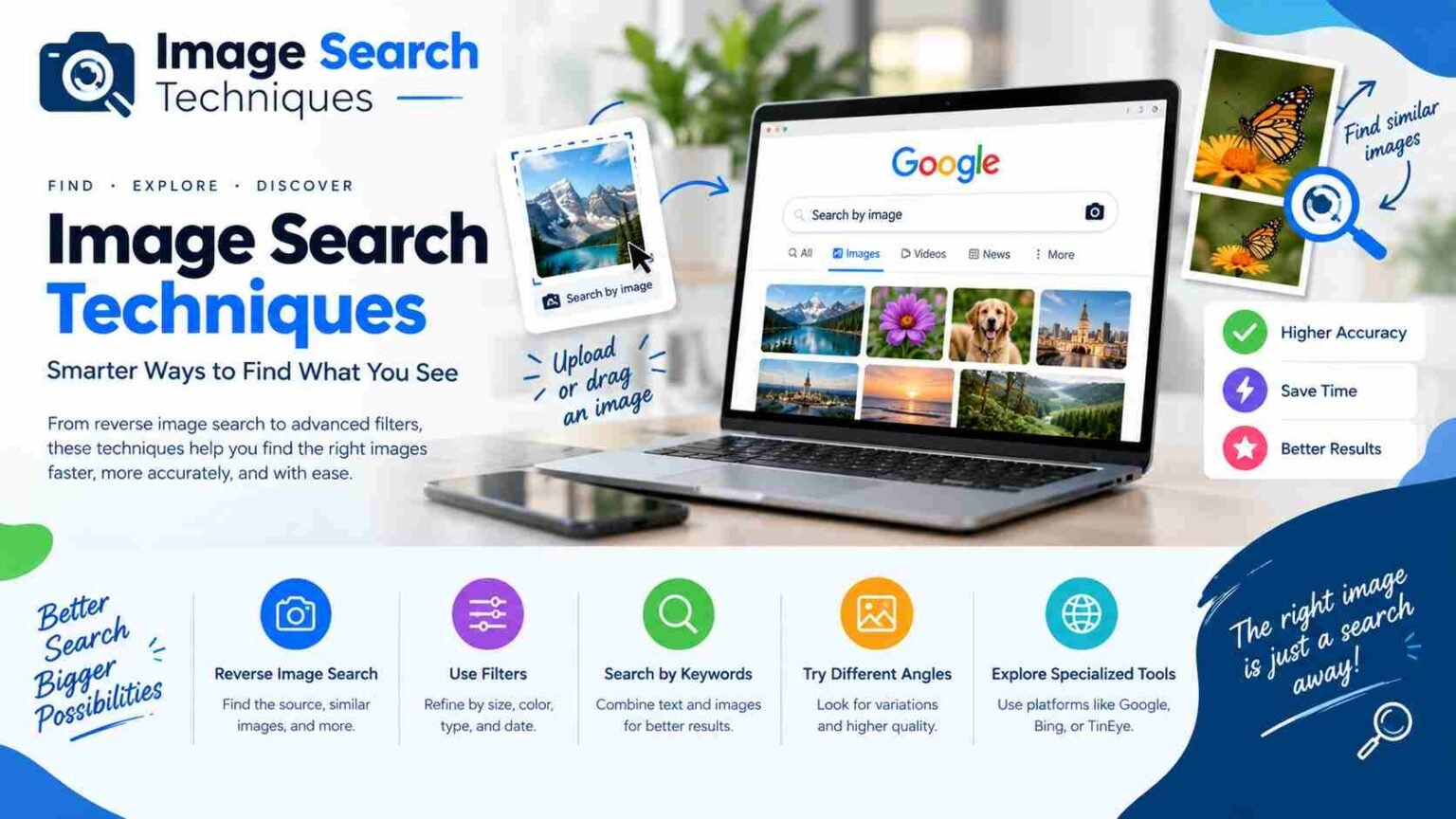
Image search techniques are methods that help people find pictures using keywords, upload an existing photo, or search for visually similar images. For example, you can type a product name into Google Images, upload a picture to find similar results, or use a mobile phone to identify an unknown object.
These methods are useful for students, bloggers, researchers, journalists, shoppers, and everyday internet users. They can help you locate original photographs, find better-quality images, and check whether a picture has been used in a different context.
In this guide, you will learn about different image search methods, popular search tools, mobile search options, and ways to verify image sources. You will also discover how to improve your results while respecting privacy and copyright rules.
What Are Image Search Techniques?
Image search techniques are different ways to find, identify, and investigate pictures online. Instead of searching only for written information, users can search for images by describing what they want or by providing a picture as a reference.
Traditional image search uses keywords. For example, searching for “small modern bedroom ideas” will show photographs, designs, and other related pictures. Reverse image search works differently because it uses an existing picture to find matching or visually related results.
Modern search engines can analyze visual details such as shapes, colors, patterns, and objects. Artificial intelligence and computer vision help these systems recognize what a picture may contain. Some tools can identify a product, translate text found in an image, or locate similar photographs.
However, search results depend on the image quality, available online information, and the search engine’s index. Not every picture will produce an exact match.
Understanding these methods helps you choose the right approach. If you know an object’s name, a keyword search may be enough. If you have a picture but do not know what it shows, visual search or reverse image search may be more useful.
Why Are Image Search Techniques Important?
Image search techniques save time and make online research easier. Instead of browsing hundreds of websites manually, you can use a picture or a few descriptive words to find relevant information.
One major benefit is finding an image’s original source. This can help bloggers locate photographer credits, researchers check references, and journalists investigate where a photograph first appeared. Searching for similar versions may also reveal a larger image or a page containing additional details.
These techniques are helpful when shopping online, too. If you see a chair, jacket, phone, or decorative item that you like, a visual search tool may help you find similar products and compare prices. Students can use image searches to learn about historical landmarks, animals, plants, and scientific objects.
Image searches can also support fact-checking. A photograph shared with a dramatic caption may have been taken years earlier or in another country. Searching for earlier appearances can provide useful clues about its real context.
However, image search results should not be treated as complete proof. A matching photograph does not automatically confirm when, where, or why it was taken. For reliable results, combine image searches with trustworthy written sources and careful research.
Types of Image Search Techniques
There are several image search techniques, and each one serves a different purpose. Knowing the differences makes it easier to choose the right method for your task.
Keyword-Based Image Search
This method uses words to describe the picture you want. You can include an object’s name, color, location, style, or other details. For example, “white running shoes with blue stripes” is more specific than “shoes.” Detailed searches often produce more relevant results.
Reverse Image Search
Reverse image search begins with an existing photograph or image URL. The tool looks for matching pictures, similar visuals, or webpages connected to the image. It is useful when you do not know the name of an object or want to investigate a photograph’s history.
Visual Similarity and Object-Based Search
Visual similarity search finds pictures that resemble a reference image. Object-based search focuses on a particular item within a larger photograph. For example, you can select a handbag in a fashion picture without searching for the entire scene.
Advanced and Metadata-Based Search
Advanced search options may let you narrow results by image size, color, file type, or usage rights. Metadata-based research examines available file details, such as dimensions, timestamps, or camera information. Keep in mind that metadata can be missing or changed, so it should not be treated as automatically reliable.
Best Image Search Tools and Search Engines
Different search tools have different strengths. Using more than one service can help when your first search does not produce useful results.
| Tool | Best use | Main advantage |
| Google Images and Google Lens | General image discovery and object identification | Combines text and visual search |
| Bing Visual Search | Similar pictures and product discovery | Offers visual matching and related results |
| TinEye | Finding matching image copies | Helps investigate image reuse |
| Yandex Images | Additional visual search results | Provides another search index |
Google Images is a useful starting point for finding photographs, illustrations, and pictures related to a topic. Google Lens is helpful when you want to identify an object or search using an image from your device.
Bing Visual Search can help locate similar images and products. TinEye is particularly useful when investigating matching copies of a photograph, although it cannot find every appearance of every image. Yandex Images offers another option when other tools return limited results.
No single tool is best for every situation. A product search, an image copyright investigation, and a news photograph verification task may require different approaches. Search results also change over time as search engines update their indexes.For important research, compare results from two or more services and check the original webpages before drawing conclusions.
How to Use Google for Image Search?
Google provides simple ways to search for pictures using keywords or an existing image. Start by opening Google Images in your browser and entering a clear description of what you want to find.
For example, instead of searching for “garden,” try “small garden ideas for a narrow backyard.” Adding details helps Google understand the subject and return more relevant results. You can also use available filters to narrow results by supported image properties.If you already have a picture, use Google Lens or the available search-by-image option. Depending on your device and browser, you may be able to upload a file, select a picture, or provide an image link. Some interfaces also support dragging and dropping an image.
After the search, review the visual matches and open relevant webpages. Read captions and surrounding text instead of relying only on the thumbnail. If you want to identify one object in a busy photograph, select or crop that area when the tool allows it.
Google may also let you add descriptive words to a visual search. For example, after searching with a picture of a lamp, you could add “wooden table lamp” to make the results more specific.The exact controls can change between devices and Google services. If an option is missing, try opening Google Lens directly or using a supported browser.
How to Perform a Reverse Image Search Step by Step?
Reverse image search is one of the most useful image search techniques when you already have a picture but need more information about it.
First, choose a clear image. If the photograph contains many objects, crop it so that the main subject is easy to recognize. Avoid cropping out important details if you are trying to identify a location or find an exact copy.Next, open a reverse image search tool, such as Google Lens or TinEye. Upload your image or enter its URL if the service supports that method. Wait for the search results to appear.
Look for exact matches, similar pictures, and webpages containing the image. Open the most promising results and check their publication dates, captions, and source information. If you find the same photograph on several websites, compare the surrounding information to understand how it is being used.
If the first search does not work, try another version of the image. A smaller crop, a higher-quality copy, or a picture without text overlays may produce different results. You can also use another search engine because their image collections are not identical.Remember that a reverse image search may find similar photographs without identifying the original. Treat the results as clues and verify important details independently.
Image Search Techniques for Mobile Devices
You do not need a computer to search for images. Most modern smartphones offer practical ways to identify pictures and discover similar content.
On Android devices, Google Lens can often search using a photograph saved in your gallery or an image displayed on a webpage. Depending on your phone, you may access it through the Google app, Google Photos, or another supported interface.On an iPhone or iPad, you can use Google Images or Google Lens through a supported browser or app. Select an image from your device when the option is available, then review the matching results. The exact process depends on the app, browser, and operating system version.
Cropping is especially helpful on mobile devices. Suppose you photograph a pair of shoes in a busy shop. Searching with the full photograph might produce unrelated results because the background contains other objects. Cropping the image around the shoes gives the search tool a clearer subject.For the best experience, use a sharp photograph with good lighting. If text appears in the image, make sure it is readable. If one tool fails, try a different service or describe the object with keywords.
Always check an app’s privacy information before uploading sensitive photographs. A picture may contain faces, addresses, documents, or other personal details that you do not want to share.
Advanced Image Search Techniques for Better Results
Basic searches are useful, but a few extra steps can improve your results significantly. The first is to make your search more specific. Include details such as color, location, material, object type, or approximate date. For example, “black leather office chair with metal legs” is more helpful than “office chair.”
You can also search for an exact phrase if you know a caption or description associated with the picture. Putting a phrase in quotation marks may help find pages containing those words. Domain restrictions can narrow a text search to a particular website.
For technical searches, Google supports image search operators such as src: and imagesize: in certain contexts. These can help locate pages referencing a particular image URL or search for specified image dimensions. Their availability and behavior depend on the search interface, so consult current documentation before relying on them.
Cropping is another valuable technique. Focus on a logo, object, landmark, or distinctive section instead of the entire image. If you have multiple versions, try the uncropped original and a clearer copy.
Finally, combine visual search with written searches. If a tool identifies a building as a possible landmark, search for its name alongside the city or country. This additional step can help confirm whether the match makes sense.
How to Find the Original Source of an Image?
Finding the original source requires more than locating the first matching result. Search engines may display copied images, old webpages, recently updated pages, and content with incomplete dates.
Begin by uploading the image to one or more reverse image search tools. Look for pages that contain an exact match, not just a similar photograph. Open those pages and check for photographer credits, publisher names, captions, and links to the original file.
Compare publication dates carefully. A page that appears older in search results is not always the original source. Dates may refer to a website’s creation, a page update, or an automatic timestamp rather than the image’s first publication.
Image dimensions can offer useful clues. A photographer’s portfolio or an official publisher may contain a larger, better-quality version with a clear credit. However, size alone does not prove ownership.
If you are researching a news image, check whether reputable news organizations have published the same photograph with consistent details. When possible, contact the photographer or publisher for confirmation.
The strongest conclusion comes from several matching clues, including credible source information, consistent context, and reliable dates. If you cannot verify the original, explain that uncertainty rather than presenting an assumption as fact.
How to Verify Whether an Image Is Real or Misleading?
A real photograph can still be used to spread false information. It might be shared with the wrong date, linked to an unrelated event, or cropped to hide important details.
Start by running a reverse image search to see whether the picture appeared online before the event it supposedly shows. Earlier versions may reveal its original location or purpose. Next, examine the caption and compare it with information from reliable news sources, official statements, or other credible records.
Look closely at visible details, such as signs, buildings, weather, clothing, and landmarks. These clues may help establish whether the stated location and date are plausible. If the image appears edited, compare available versions to see whether objects or sections have changed.
Image search cannot reliably determine authenticity on its own. A lack of matching results does not prove that a photograph is genuine, and a matching result does not prove that it is fake. New images may not yet be indexed, while altered images may be difficult to match.
For important claims, seek independent confirmation. Check multiple reliable sources and avoid sharing the picture until you have enough evidence to understand its context. This approach is particularly important when dealing with emergencies, public events, and sensitive news stories.
How to Find Similar Images, Products and Objects?
Visual search can help you discover images that resemble a reference picture, even when you do not know the correct search terms. This is useful for finding design ideas, identifying objects, and comparing products.
For example, if you see a jacket you like, upload the photograph to a visual search tool. The results may include similar styles, related products, or webpages selling comparable items. Compare details such as color, material, shape, and brand before deciding that two products are the same.
You can also use image search to explore plants, animals, buildings, and landmarks. A photograph of an unfamiliar flower may lead to possible matches, but confirm the identification using reliable specialist sources, particularly if the answer affects safety.For illustrations and photography, visual similarity searches can help you discover related artwork, alternative angles, or images with a similar style.
If the picture contains several objects, crop the subject you want to investigate. A clear, focused image often produces more useful matches than a busy scene. You can also combine the visual search with keywords to narrow the results.Remember that similar-looking objects may have important differences. Use product descriptions, measurements, labels, and trusted references to confirm an identification rather than relying on appearance alone.
How to Find High-Resolution Images and Different Image Sizes?
Sometimes you find the right picture but discover that it is too small or blurry for your needs. Image search can help you look for larger versions, although success depends on whether a higher-resolution copy is available online.
Start with a reverse image search to locate other pages containing the same photograph. Check the photographer’s website, the original publisher, or an official image gallery. These sources may offer larger files than pages that have compressed the image for faster loading.
Where supported, image-size filters can help narrow results. You should also compare dimensions and visual quality. A larger file is not necessarily sharper because it may have been enlarged from a small original.
For website use, choose an image that suits the intended display size and file format. A clear, properly sized picture can provide a better experience without making a webpage unnecessarily slow.
It is also important to distinguish image quality from usage rights. Finding a high-resolution picture does not mean you have permission to publish it. Before downloading or using the image, check its license and any conditions set by the creator or publisher.
Image Search Techniques for Copyright and Content Research
Bloggers, designers, and website owners often use image search to research photographs and find suitable visuals for their content. These techniques can help identify creators, locate original publications, and investigate where a picture has been reused.
If you discover your own image on another website, reverse image search may help you find additional copies. Save the relevant webpage details and compare the image with your original files. If necessary, seek appropriate legal advice or follow the website’s published process for copyright concerns.
When choosing images for your own content, search for material with a clear license. Creative Commons images may be available for reuse under specific conditions, while public-domain material may have different rules depending on the work and jurisdiction.
Read the full license rather than relying on a search result label. Some licenses require attribution, restrict commercial use, or prohibit changes. A picture displayed on a free website is not automatically free to reuse.Keep records of the source, creator, license, and date you checked the permissions. These simple steps can make publishing safer and reduce the risk of copyright disputes.
Common Image Search Problems and How to Fix Them?
Image searches do not always produce the results you expect. Understanding common problems can help you solve them without wasting time.If a search returns no useful matches, try another search engine, use a clearer image, or crop the subject differently. A picture may be too new, private, heavily edited, or absent from the search engine’s index.When the results are unrelated, add descriptive keywords or focus on one object within the picture. A photograph containing several subjects may confuse the search tool, so a smaller crop can improve relevance.
If the image has been mirrored, resized, or edited, try searching with another available version. Reverse image tools vary in their ability to match altered pictures, so comparing several services can be helpful.For low-quality results, look for the original publisher or a photographer’s portfolio. Check the page rather than downloading the first thumbnail you see.
Finally, if the source is unclear, compare dates, captions, and publisher information. Avoid assuming that the first result is correct. When privacy is a concern, review the provider’s data policies and avoid uploading photographs that reveal sensitive personal information.
Image Search Best Practices and Privacy Tips
Good image search habits make your research more accurate and protect your privacy. Begin with the clearest image available, use specific keywords, and crop unnecessary background details when appropriate.For important research, compare more than one search engine. Different services may identify different copies or related webpages. Check the sources behind the results, and use independent evidence before making claims about an image’s origin or authenticity.
Be careful with personal photographs. Before uploading an image, consider whether it contains faces, identity documents, private locations, or other information you would not want to share. Read the search provider’s privacy policy to understand how uploaded images may be handled.Copyright is equally important. Confirm the creator and license before publishing an image on a website, in a presentation, or on social media. Provide attribution when required and follow any other license conditions.
Most importantly, treat automated matches as useful clues rather than final answers. A few minutes spent checking context and source information can prevent mistakes and help you make better decisions.
Frequently Asked Questions
1. Can I search for an image if I only have a small part of it?
Yes. Crop the available picture around a distinctive object, logo, or landmark and upload that section to a visual search tool. Results will depend on the clarity and uniqueness of the visible details.
2. Why do different image search engines show different results?
Each search engine uses its own index, matching methods, and ranking systems. One tool may find an older copy, while another may show visually similar pictures or product pages.
3. Can image search tell me when a photo was taken?
Not reliably on its own. Search results may reveal when a photograph appeared on a webpage, but that date may not match the actual capture date. Check credible source records and available metadata.
4. Can I use any image I find through reverse image search?
No. Search results help you discover pictures, but they do not automatically grant permission to reuse them. Check the copyright status, license terms, and attribution requirements before publishing.
5. What should I do if image search cannot identify a picture?
Try a clearer version, crop the main subject, search with descriptive words, and test another visual search service. You can also ask a relevant expert or consult a reliable specialist reference if identification is important.
Conclusion
Image Search Techniques make it easier to find pictures, identify objects, discover original sources, and investigate how images are used online. Keyword searches work well when you know what you want, while reverse image search and visual search are useful when you already have a picture.Tools such as Google Lens, Google Images, Bing Visual Search, TinEye, and Yandex Images offer different ways to explore visual information. Using more than one tool can improve your chances of finding helpful results.However, finding a match is only the first step. Always check the source, date, context, and copyright information before relying on or publishing an image. With clear pictures, specific searches, and careful verification, you can make image research faster, more accurate and safer.
For More Information Visit: CloudsMagazine
