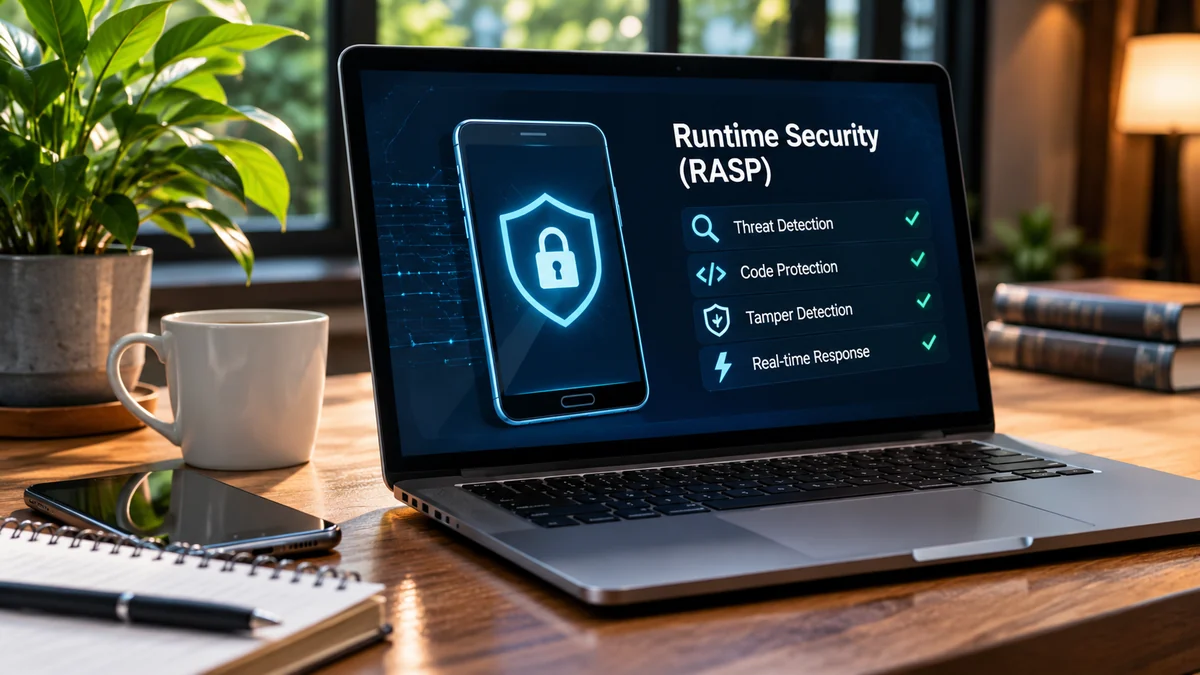
Mobile apps manage payments, personal details, work files, and connected services. Protecting an app before release is essential, but risks continue after installation. A trusted application may encounter debugging tools, injected code, altered memory, or interference with sensitive operations. Understanding what is RASP explains how an app can detect suspicious activity while it runs and respond before a threat causes greater harm.
Runtime security links observation with action, helping developers decide what an app should do next. Carefully designed controls reduce exposure without unnecessarily disrupting users or replacing other security measures across the full application lifecycle, including after each major release.
Understanding Runtime Security
Runtime security focuses on an application’s behavior during execution rather than examining it only before release. Code review and testing remain essential but cannot predict every device condition. Runtime protection adds a layer by watching for suspicious behavior while the app is active.
Runtime Application Self-Protection, known as RASP, can identify debugging, code injection, hooking, tampering, or memory manipulation. Checks depend on the operating system and configuration. RASP complements secure coding, server-side controls, testing, and maintenance. It adds visibility into risks that emerge during execution.
How Runtime Security Detects Threats
Detection observes signals of possible interference. One event does not always prove malicious intent: developers may debug during testing, while attackers may inspect or alter production apps. Context determines whether action is needed.
Runtime controls examine app integrity, device conditions, and known attack behaviors. Rules should reflect the app’s purpose. Payment workflows may need stricter controls than public information screens. Signals and enforcement options also vary between Android and iOS.
Common runtime signals include:
- Attempts to attach a debugger to a protected app.
- Signs of code injection or unauthorized hooking.
- Changes to protected files or application memory.
- Execution in a rooted, jailbroken, or emulated environment.
- Network or process activity matching configured risk indicators.
These signals help the app or security team assess potential threats. Their value depends on sound configuration and clear response decisions.
Choosing the Right Response to Security Threats
After detecting a suspicious event, the application needs a response that reflects the risk. Blocking every unusual condition can frustrate genuine users, while ignoring serious indicators can expose sensitive operations. Teams should decide which events need blocking, alerts, or further assessment.
Responses should reflect confidence, feature sensitivity, and the impact of continuing. A high-confidence attempt to manipulate a payment operation may justify stopping that action. An uncertain signal on a low-risk screen might instead be recorded for review.
Define ownership so developers can test rules, analysts can investigate, and product teams can assess user impact.
Ways to Respond to Runtime Threats
Runtime policies can use different actions for different risk levels. The least disruptive effective response protects key functions while maintaining usability. Test policies across supported devices before broad enforcement.
Typical response options include:
- Block a sensitive action when a serious threat is detected.
- Terminate execution when continuing creates unacceptable risk.
- Show a warning when the user needs clear guidance.
- Send an alert to a security team for investigation.
- Record an event and continue when evidence is inconclusive.
These actions are not interchangeable. A warning may suit a recoverable issue, while confirmed manipulation of a sensitive workflow may require stronger intervention.
Using Security Alerts to Investigate Threats
A detection becomes more useful when people can understand what happened. Records may capture event type, time, rule, and response. This helps teams distinguish isolated anomalies from repeated attempts and improve controls.
Alerts should be actionable, not simply numerous. If every minor signal generates the same urgent notification, analysts may overlook serious incidents. Teams can group related events, assign severity levels, and route important alerts to the people responsible. Existing monitoring tools can connect app behavior with relevant server-side activity. Consistent event descriptions help compare incidents across releases.
Protect privacy during investigation. Avoid logging personal information, passwords, or authentication tokens unnecessarily. Define access, retention, and review procedures before deployment.
Steps to Set Up Runtime Protection
Introducing runtime protection works best as a planned process rather than a last-minute switch. Teams should identify valuable data and the actions attackers might try to manipulate. This helps teams choose and evaluate controls.
- Map sensitive functions, such as sign-in, payments, and account changes.
- Identify likely runtime threats for the app and its platforms.
- Set response rules based on severity and business impact.
- Test representative devices, operating system versions, and app builds.
- Review alerts and adjust policies as evidence becomes available.
Protection involves risk decisions, testing, and improvement. A staged rollout can reveal false positives before stricter policies apply.
Measuring Runtime Security Performance
Counting detected events alone does not show whether protection is effective. Teams should examine how quickly threats are addressed, whether alerts support useful investigations, how often detections prove benign, and whether legitimate users are blocked unnecessarily. These measures balance security and usability. Document a baseline before rollout.
Test attack scenarios and ordinary use. Confirm controls trigger intended actions, alerts reach the right people, and denied operations are handled safely. Use findings to update rules and procedures.
Review protection as features, dependencies, devices, and operating systems change. Regular testing and clear ownership keep policies relevant. A useful review also considers whether controls remain compatible with release processes, whether teams can reproduce incidents, and whether policy changes are documented clearly over time during each planned security review cycle.
Conclusion
Runtime security connects detection with deliberate response. Monitoring behavior, assessing signals in context, and applying proportionate actions can address risks pre-release checks miss. The goal is to reduce exposure while preserving reliable app experiences. Effective protection requires testing, configuration, monitoring, and review.
For organizations looking to strengthen mobile app protection, Doverunner offers security capabilities for Android and iOS applications, including runtime threat detection, configurable responses, and security monitoring. Its platform helps teams make runtime protection part of a broader security strategy, with controls suited to app risks and deployment needs.